
In the modern digital landscape, WiFi has transitioned from a luxury to a fundamental utility, nearly as vital as electricity or running water. However, despite the proliferation of high-speed fiber optics reaching modern households, the end-user experience is frequently sabotaged by a series of "invisible" obstacles. Many consumers are quick to blame their Internet Service Provider (ISP) for sluggish speeds or dropped connections, unaware that the true culprit might be hiding in their living room decor or kitchen appliances.
The Physics of Connectivity and the Architecture of Interference
To understand why WiFi signals struggle, one must grasp the nature of radio waves. WiFi primarily operates on two frequency bands: 2.4 GHz and 5 GHz (with 6 GHz becoming standard via WiFi 6E). These waves are susceptible to absorption and reflection. When a wave encounters an object, some of its energy is absorbed, some passes through (attenuated), and another portion reflects, creating destructive interference with the original signal.
The layout of a contemporary apartment, characterized by the use of metal, glass, and composite materials, often acts as a labyrinth for our data. Below are the seven most common household items that act as a "brake" on your connectivity.
The 7 Common Culprits of Signal Degradation
- 1. Mirrors and Metallic Surfaces: Metal is the primary adversary of WiFi. Mirrors, due to the thin metallic coating (silver or aluminum) on their back, act as signal shields. If your router is positioned across from a large mirrored wardrobe, the signal reflects back, creating dead zones in the rest of the house.
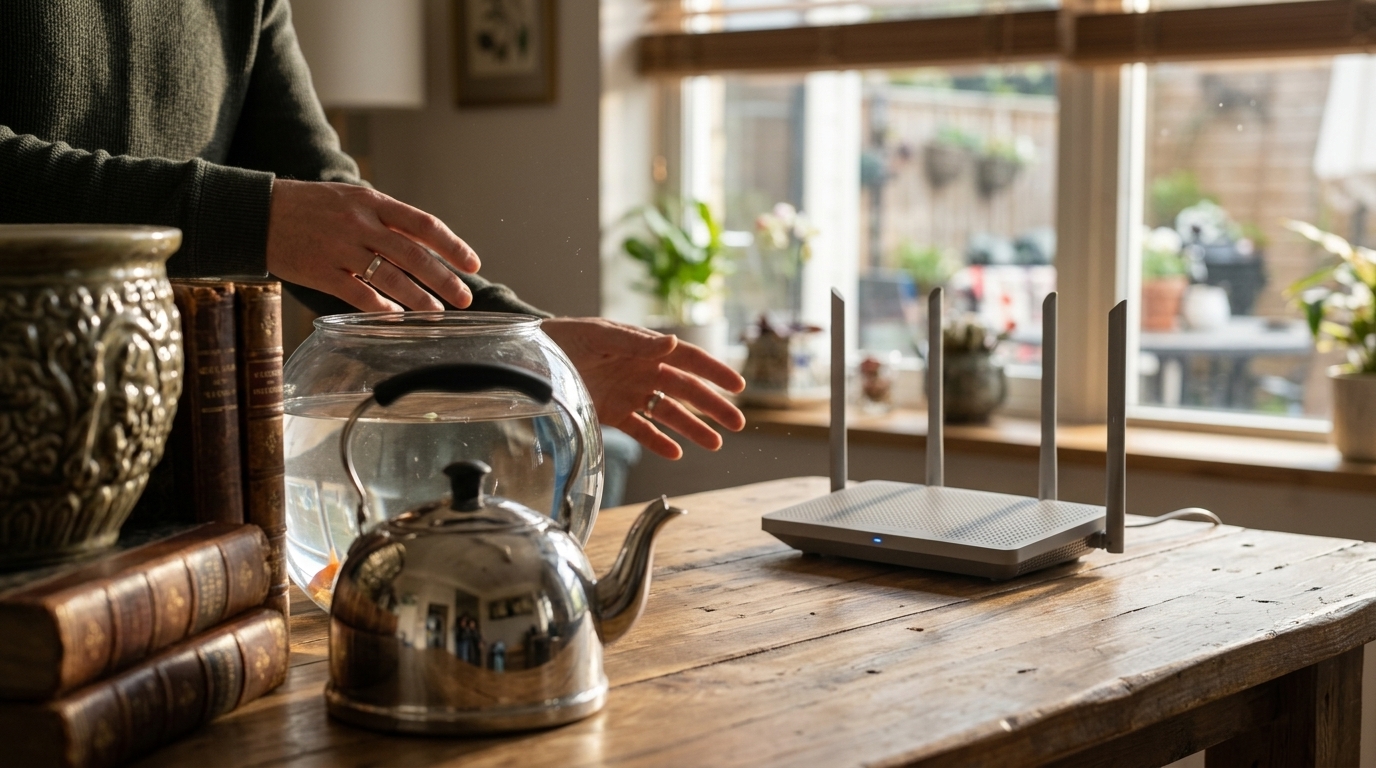
- 2. Aquariums and Water Tanks: Water is an excellent conductor of electricity but a formidable foe for radio waves. The density of water absorbs WiFi energy. A large aquarium situated between the router and your workstation can reduce signal strength by up to 50%.
- 3. Microwave Ovens: Here, the issue isn't just physical obstruction but frequency overlap. Most microwaves operate at 2.4 GHz, the same frequency used by older routers and many smart home devices. When you heat your lunch, your WiFi can literally freeze.
- 4. Metal Furniture and Shelving: A bookshelf with a metal frame or a stainless steel table functions as a partial Faraday cage, obstructing the passage of waves.
- 5. Washing Machines and Refrigerators: These large appliances combine two negative factors: massive metallic surfaces and electric motors that generate electromagnetic noise.
- 6. Brick, Concrete, and Stone: While not "objects" in the traditional sense, building materials are the most persistent blockers. Reinforced concrete contains steel rebar, making signal penetration nearly impossible.
- 7. Baby Monitors and Bluetooth Devices: Many older baby monitors and certain Bluetooth accessories crowd the 2.4 GHz band, causing congestion on the digital pathway.
Optimization Strategies: How to "Free" Your Signal
The solution isn't always purchasing a more expensive router. Often, simple repositioning can perform miracles. A router should be placed in a central, elevated location, away from corners and floors. Implementing a Mesh system is the ideal solution for homes with multiple rooms or thick walls, as it creates multiple access points that communicate with each other, bypassing physical obstacles.
"The quality of our digital life depends on understanding the physics of our environment. A router hidden inside a cabinet is like a lamp covered with a blanket."
Furthermore, switching to the 5 GHz or 6 GHz bands can provide relief from interference, as these frequencies are less "crowded," although they have a shorter range and penetrate walls with more difficulty than 2.4 GHz. Finally, decommissioning old devices that are no longer in use can significantly reduce noise on your network.