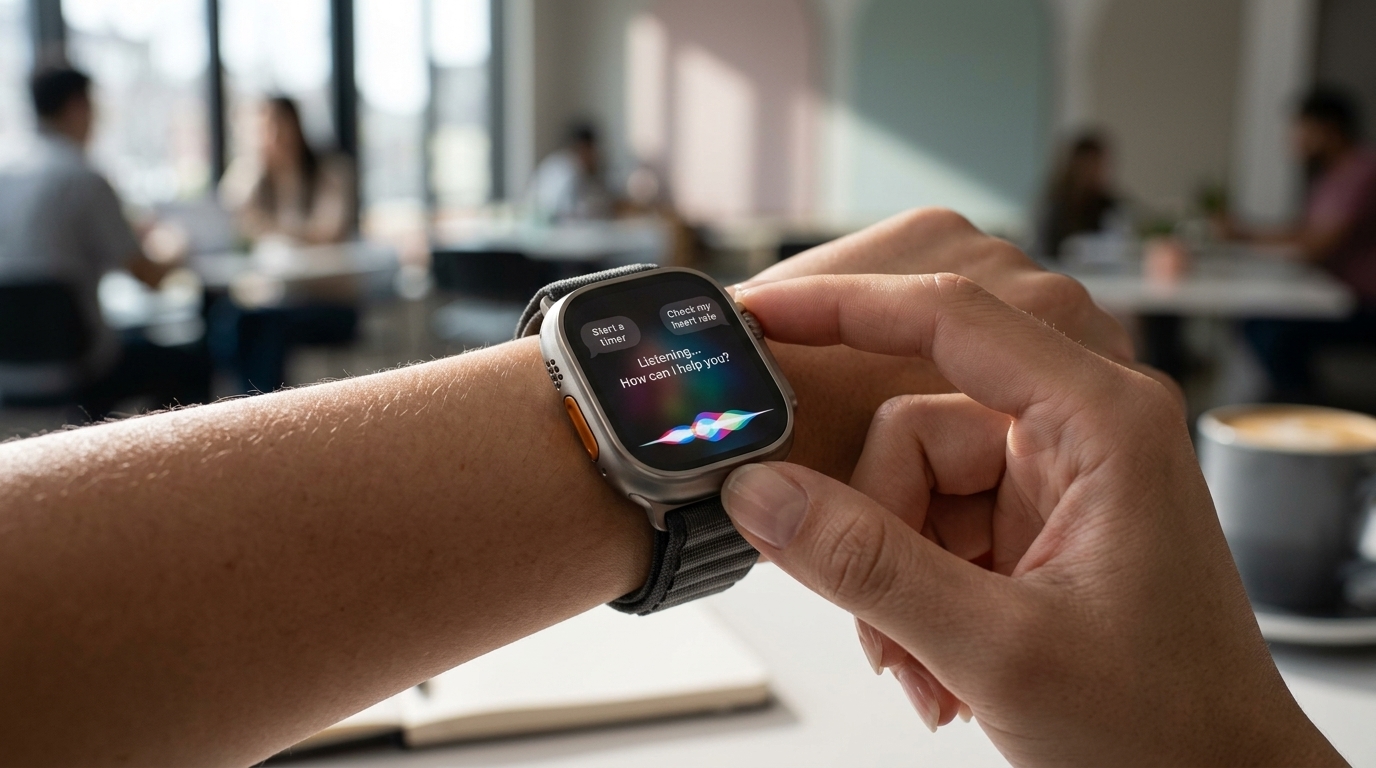
Siri has been on the Apple Watch since day one, though for many, its utility was limited to setting timers. With the release of the watchOS 27 developer beta, this dynamic is shifting. The upgrade from traditional Siri to Siri AI represents a significant change in how Apple views smartwatch utility, evolving the device from a fitness tracker into a genuine wrist computer.
A Consistent Siri Experience
Apple's primary goal with watchOS 27 is consistency. David Clark, Apple’s senior director of software engineering for watchOS, explains that the objective is for users to receive the same answer regardless of whether they ask their watch or their phone. “By having the watch tightly connected with the phone, having that personal context drive the whole experience, we can start setting the expectation that it’s one Siri AI,” Clark says.
Unlike previous experiences on competing platforms where results often felt disconnected, Siri AI on watchOS 27 allows users to easily reference notes and reminder lists stored on other Apple devices. Furthermore, queries made on the wrist are stored in the same app as those on the iPhone, making it easier to start a search on the go and finish it later on a MacBook.
New Gestures and Workout Buddy
watchOS 27 also introduces a new "single tap" gesture, which allows users to select items on the screen. Combined with the smart stack and the "raise to talk" gesture, single-handed operation of the Apple Watch is now more fluid. Additionally, a new App launcher provides a quick menu for most frequently or recently used applications.
The AI-powered "Workout Buddy" is also receiving upgrades. It now looks deeper into workout trends, recognizing specific achievements like maintaining pace despite elevation changes, and has added support for the Spanish language. While Siri AI can answer broad health questions based on scientific facts, Apple is currently avoiding giving proactive medical advice.
Limitations and Challenges
Despite the advancements, Siri AI remains a tool that requires users to build new habits. Latency issues still persist while the AI processes information, and accuracy often depends on specific wording. As an AI assistant, it is still prone to occasional errors, which may frustrate impatient users looking for immediate results.