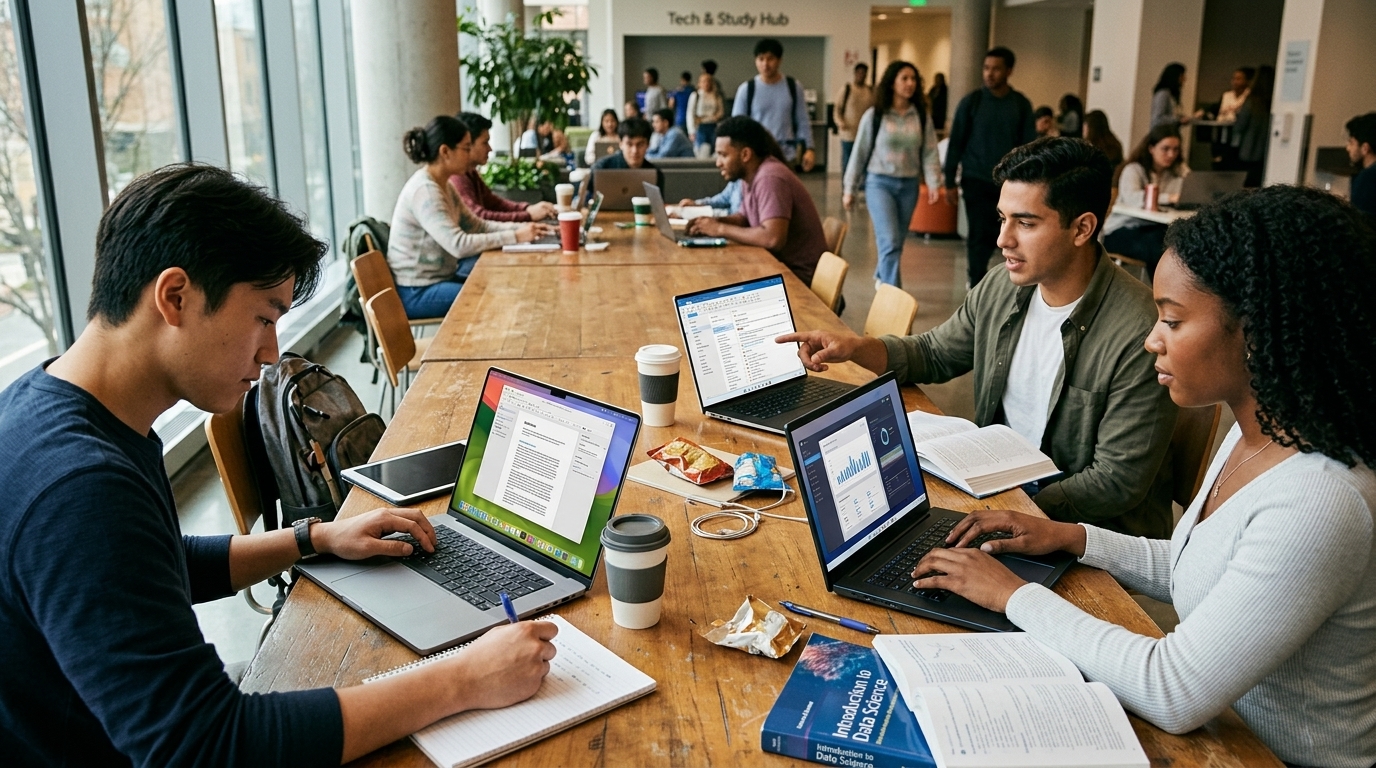
Choosing the right laptop for university in 2026 is a far cry from the decisions of previous decades. We are now firmly in the era of the "AI PC," where the Central Processing Unit (CPU) and Graphics Processing Unit (GPU) are necessarily accompanied by powerful Neural Processing Units (NPUs). For a student today, a laptop is not just a tool for typing essays; it is a personal AI assistant capable of transcribing lectures in real-time, summarizing vast bibliographies, and running local language models without draining the battery in two hours.
The Apple Dominance: Why the MacBook Air Still Reigns
Despite fierce competition, the MacBook Air remains the top recommendation for the vast majority of students in 2026. With the introduction of the M4 chip, Apple has maintained a balance that remains difficult to beat: silent fanless operation, a weight of under 2.9 pounds, and a battery that comfortably lasts two days of moderate use. The most significant advantage for the 2026 student is Apple Intelligence, which has matured into a suite of writing and organizational tools deeply integrated into macOS.
However, our advice for this year is unequivocal: avoid the 8GB RAM models, even if Apple's marketing suggests it's sufficient. With the demands of modern AI-driven applications, 16GB is now the minimum entry point for a device intended to last a four-year degree without performance degradation. The 13-inch MacBook Air remains the gold standard for portability, while the 15-inch model provides the necessary screen real estate for those who prefer not to invest in an external monitor.
The Windows Counterattack: The Age of ARM and Snapdragon
If 2024 was the beginning of the ARM revolution for Windows, 2026 is the year of its total establishment. Laptops powered by the second-generation Snapdragon X Elite processors have fundamentally shifted the landscape. Devices like the Microsoft Surface Laptop 7 and the Dell XPS 13 now offer battery life that directly rivals Apple's silicon, while remaining fully compatible with the vast Windows software ecosystem.
For STEM students, engineers, or those who enjoy gaming on the side, Windows remains the only logical choice. The ability to run specialized CAD software or statistical packages that perform better in a PC environment is a deciding factor. Furthermore, the integration of Copilot+ within Windows 11 allows students to search through their entire academic history using natural language—a feature that proves to be a lifesaver during finals week.
Specialized Needs: Creators and Power Users
Not every student has the same requirements. For those in Fine Arts, Architecture, or Film programs, the MacBook Pro with its Liquid Retina XDR display remains the ultimate tool, primarily due to its industry-leading color accuracy. On the other hand, the ASUS Zenbook S 13 OLED offers a stunning alternative for those seeking the best display on the market in an impossibly thin chassis.
In the budget sector, Lenovo’s Yoga series and Acer’s Swift Go 14 provide excellent solutions under the $800 mark. While they may slightly lag in build quality compared to a premium MacBook, their performance is more than adequate for 90% of student needs. Our tip here is to pay close attention to keyboard and trackpad quality, as these are the components you will interact with most over the next several years.
Sustainability and Repairability: The New Priority
Finally, 2026 marks a significant shift toward sustainability. The Framework Laptop 13 has become increasingly popular among Computer Science and Engineering students. The ability to upgrade the processor or replace a cracked screen yourself, without discarding the entire device, is a philosophy gaining serious traction. In a world plagued by electronic waste, choosing a repairable computer is not just a practical decision—it's a statement of environmental consciousness.