
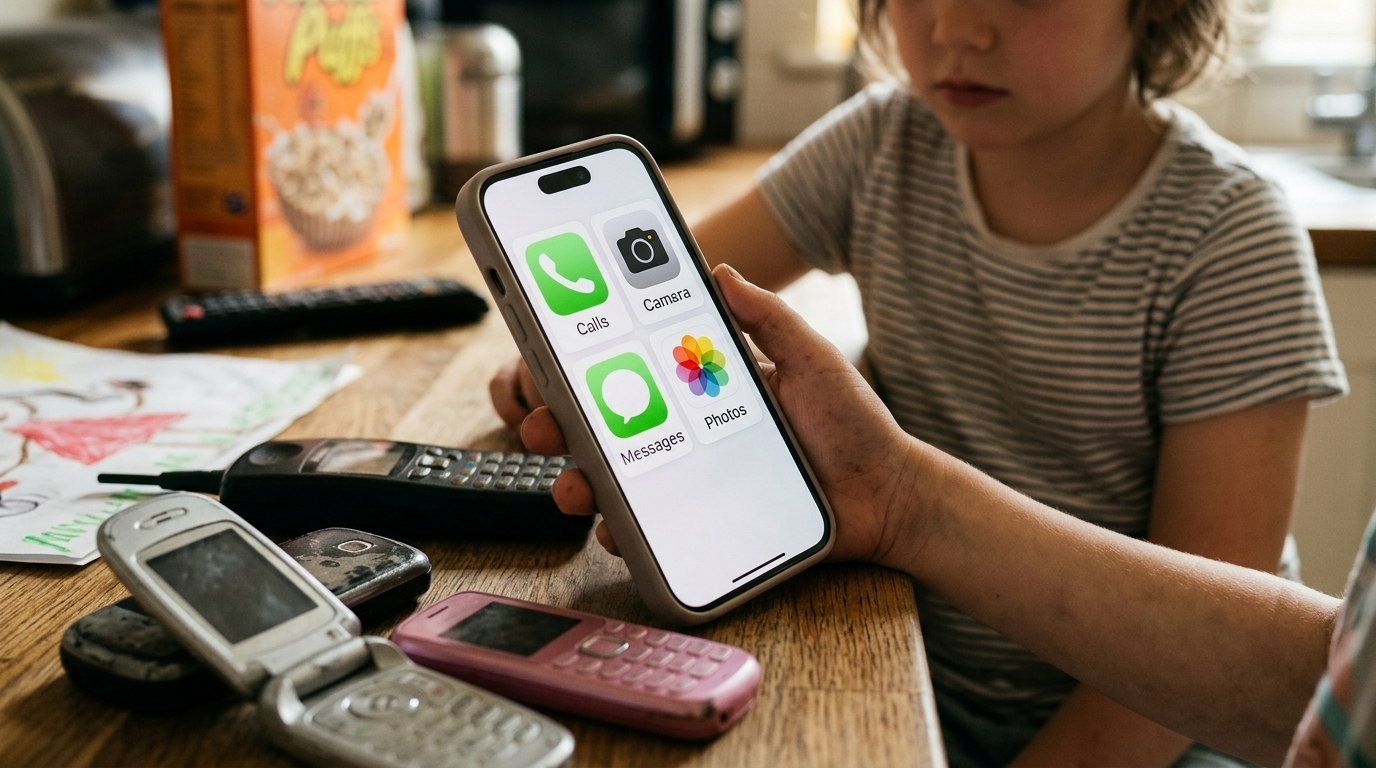
In an era of total digital connectivity, parents face a persistent and complex dilemma: when is the right time to give a child their first smartphone? On one hand, the need for communication and safety—via GPS tracking and voice calls—is undeniable. On the other, the fear of exposure to social media algorithms, addictive design patterns, and inappropriate content is a constant source of anxiety. While the market has been flooded with specialized 'dumb phones' or 'minimalist' devices promising a solution, the best option might be hiding in plain sight within Apple’s own operating system.
The Discovery of 'Assistive Access'
The feature is called 'Assistive Access,' and it was originally introduced with iOS 17. While Apple designed it with cognitive disabilities in mind—such as dementia or developmental challenges—its application for parenting is nothing short of revolutionary. Essentially, this mode allows a user to 'lock' an iPhone into a radically simplified interface, displaying only essential apps with large, high-contrast buttons and a streamlined navigation flow.
Instead of a cluttered home screen filled with notification badges and distracting widgets, the child is presented with a clean, focused environment. You can choose to enable only 'Calls,' 'Messages,' 'Camera,' and perhaps 'Music.' Everything else—from the App Store and Safari to TikTok and YouTube—is completely stripped away, transforming the device into a dedicated communication tool rather than a portal for endless content consumption.
Why It Beats Niche Dumb Phones
There are numerous companies selling 'safe' phones for kids, often at premium prices and with significant hardware compromises. However, using an iPhone with Assistive Access offers advantages that niche devices cannot match. First, the hardware quality is vastly superior. An old iPhone 12 or 13, likely sitting unused in a drawer, features a better camera, screen, and build quality than almost any dedicated 'kids' phone' on the market today.
Second, the integration with the Apple ecosystem remains intact. Parents can utilize the 'Find My' app to track their child’s location with high precision—a feature that is often unreliable on third-party minimalist devices. Furthermore, iMessage and FaceTime calls remain encrypted and controllable via standard parental controls, without the need for additional subscriptions or invasive third-party monitoring software.
The Psychology of Intentional Design
The most profound benefit of Assistive Access is psychological. The UI design removes the 'dark patterns' that modern apps use to hijack attention. There are no red notification dots, no infinite scrolling feeds, and the navigation is linear and predictable. This helps children develop a healthy, intentional relationship with technology, viewing the phone as a utility for specific tasks rather than a constant source of dopamine-driven distraction.
Moreover, exiting this mode requires a dedicated passcode set by the parent, making it virtually impossible for a child to bypass the restrictions and access the full iOS environment. It creates a 'digital sandbox' with high, secure walls, allowing for independence without the typical risks associated with unrestricted internet access.
Setting It Up for Success
Enabling the feature is straightforward. Navigate to Settings > Accessibility > Assistive Access. From there, you can customize the layout (rows or grid) and select which contacts the child is allowed to communicate with. A crucial benefit is the ability to restrict incoming calls to 'Selected Contacts' only, effectively blocking spam or strangers. In a world where technology often feels like it's designed to exploit our attention, these 'hidden' tools provide a necessary counter-measure, giving parents the power to protect their children's focus and mental well-being.