
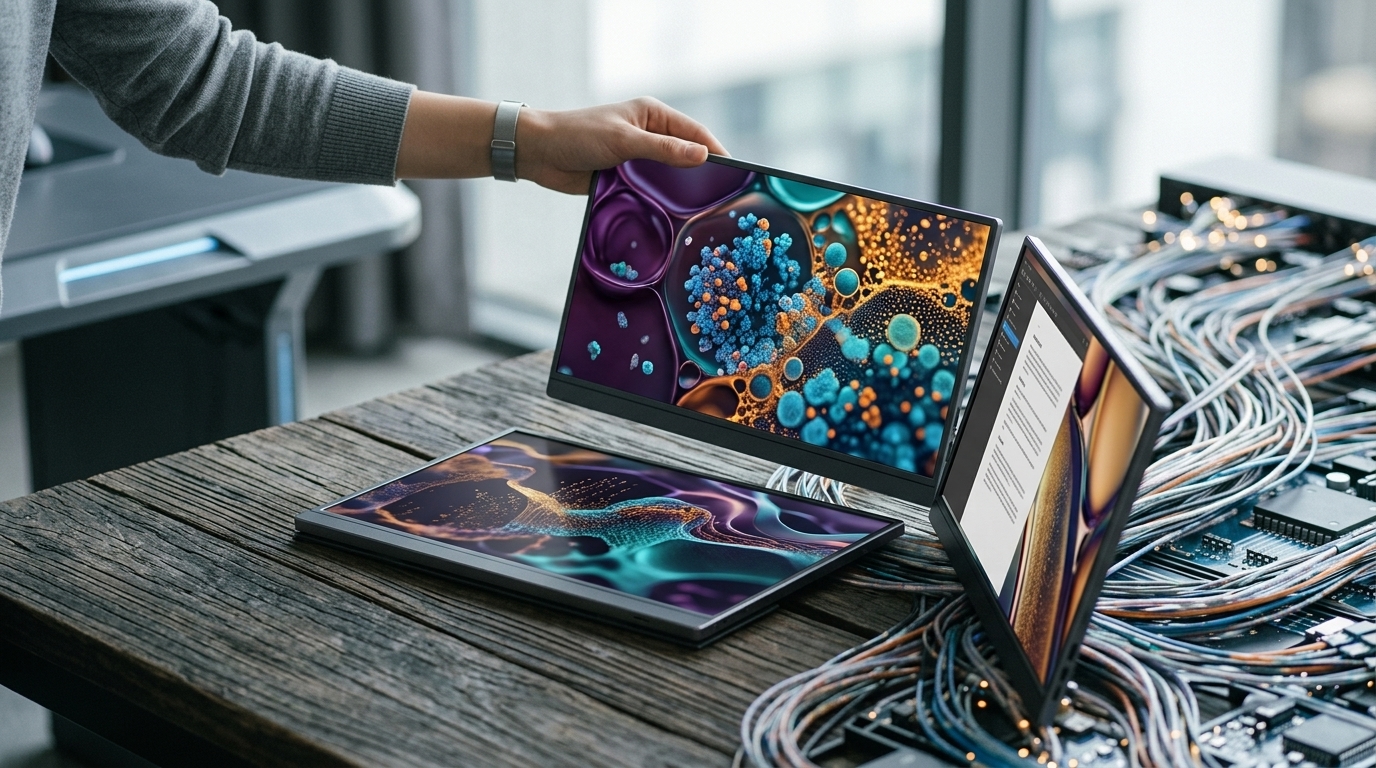
In the professional landscape of mid-2026, the concept of the 'office' has fundamentally shifted. No longer tethered to a single desk, the modern worker is a nomad by nature or necessity. Whether you are navigating a bustling airport lounge, a minimalist co-working space in Berlin, or a quiet home office, the limitations of a single laptop screen are a constant friction point. Portable monitors have emerged as the definitive solution, evolving from niche accessories into sophisticated productivity powerhouses that fit seamlessly into a backpack.
The OLED Standard and Connectivity Breakthroughs
By 2026, the transition to OLED technology in the portable segment is nearly complete for high-end models. Brands like ASUS, LG, and innovative startups have pushed the boundaries of what a slim panel can achieve. These screens offer 1,000,000:1 contrast ratios and vibrant colors that make traditional LCDs look washed out. For the creative professional—the photographer in the field or the video editor on a train—this isn't just about aesthetics; it's about the precision required to deliver world-class work without being anchored to a studio monitor.
The connectivity landscape has also simplified. With the ubiquity of USB4 and advanced USB-C protocols, the 'one-cable' dream is a reality. These ports handle high-bandwidth video signals, touch data, and power delivery simultaneously. Some of the best monitors we've tested this year even feature dual USB-C ports with pass-through charging, allowing you to charge your laptop through the monitor while using only one outlet—a godsend in crowded cafes where power sockets are a rare commodity.
Design Innovation: Thinness Meets Durability
The 2026 generation of portable monitors is defined by incredible thinness. We are seeing devices like the Espresso 17 Pro measuring under 5.5mm, yet feeling remarkably rigid thanks to aerospace-grade aluminum chassis. The focus has shifted from merely being 'portable' to being 'effortless.' Weight is the critical metric here; most 15-inch models now weigh less than 1.5 pounds, making them lighter than the laptops they accompany.
Ergonomics have seen a parallel evolution. The flimsy 'smart covers' of the past have been replaced by integrated, frictionless hinges and magnetic stands that offer a range of viewing angles. Portrait mode support is now a standard software feature, allowing users to flip their monitor 90 degrees for coding or reading long documents. This versatility is crucial for maintaining posture and reducing neck strain during long sessions away from a traditional desk setup.
Niche Use Cases: Gaming and Enterprise Security
The market has branched into specialized categories. Portable gaming monitors now boast 240Hz refresh rates and ultra-low response times, catering to the eSports professional or the enthusiast who refuses to compromise on performance while traveling. These monitors often include built-in speakers that have surprisingly improved in quality, utilizing vibration technology to produce fuller sound from a thin frame.
For the enterprise sector, security has become a built-in feature. New models from Dell and Lenovo incorporate electronic privacy shutters. With a toggle, the screen's viewing angles are restricted, preventing 'visual hacking' in public spaces. This is a critical development for lawyers, financial analysts, and executives who handle sensitive information on the go. Furthermore, integrated batteries are becoming more common, providing several hours of independent power so you don't drain your laptop's juice during a critical presentation.
Buying Advice: Finding Your Perfect Match
Choosing the right monitor in 2026 requires balancing resolution, brightness, and price. While 4K is tempting, on a 13 or 15-inch screen, 1440p (QHD) often provides the best balance of sharpness and battery efficiency. Brightness is the most overlooked spec; if you plan to work near windows or outdoors, do not settle for anything less than 400 nits. Finally, consider the ecosystem. If you use a stylus for design, ensure the monitor supports the latest MPP (Microsoft Pen Protocol) or Apple-compatible touch layers to turn your second screen into a high-end drawing tablet.